It’s just a click away granting permissions to apps on Web 2.0 tools like Dropbox, Facebook, Flickr, Google, Instagram, LinkedIn, Twitter and Yahoo . Some apps you have granted permission are used daily while some apps are unnoticed unless and until they cause some nuisance ! It can be hectic if you have to keep a track on app permissions if there are a number of apps you have authorized .
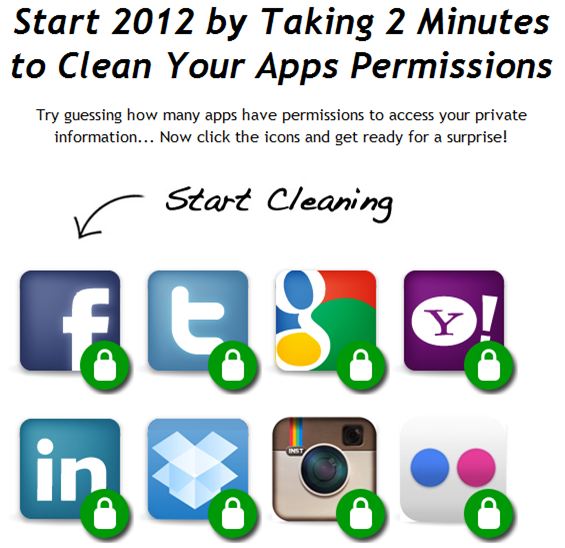
You will want to check out MyPermissions, a simple site which gives you direct links for quickly accessing e-mail notification settings in all eight of the aforementioned services. MyPermissions has quick, current links to app permission pages on a bunch of social media sites. You can also set up reminders to check your permissions periodically. I barely use apps on Facebook, Dropbox and other sites but when i checked for twitter I was SHOCKED to count over 500 services for Twitter! Instead of blindly clicking around the site to find the right webpage, just go directly to tab provided in MyPermissions to quickly change the desired authority for a particular app.That’s right ! If you don’t pay attention to what you do on web 2.0 sites , then I am damn sure that you too will be surprised about all the apps you have installed.
This Tool desn’t require access to any of your online accounts as it’s actually just a webpage and you can bookmark to easily access each service’s app permissions webpage, assuming you are logged in . If you are finding it really difficult to keep track of what apps have access to your account information, this website is for you 🙂
Visit: http://mypermissions.org and click on any site which is given at My Permission and clean up your apps in just 2 Minutes.
For Example: If you click on Facebook icon they will open the Facebook Application Page which is http://www.facebook.com/settings/?tab=applications and when you are on this page click on those apps and grant your desired rights for that specific app .
thanks for this info. i definitely need some serious cleaning of my apps permissions. i will definitely try out the mentioned link. thanks for the share
great new info for me. I also need apps permission cleaner and you provided me the right thing at right time because i was also thinking about this issue half hour ago.
my apps permissions really need cleaning, not being a techie i wasnt sure how to do it though…glad i found this post….thanks
Same in here, my apps permissions need more cleaning too.
This is definitely a helpful site!
Spatch
How to Blog Guide
his article reduced my headache I was so much worried about my application and I got there solution here
Excellent tips indeed! I really love to learn from the well experience one.. I have learn a lot from you .. I will always keep that in mind..
Very good blog indeed. A lot of useful information and modern concept.
Cufflinks